
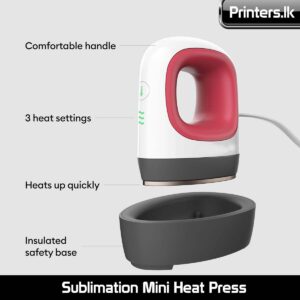
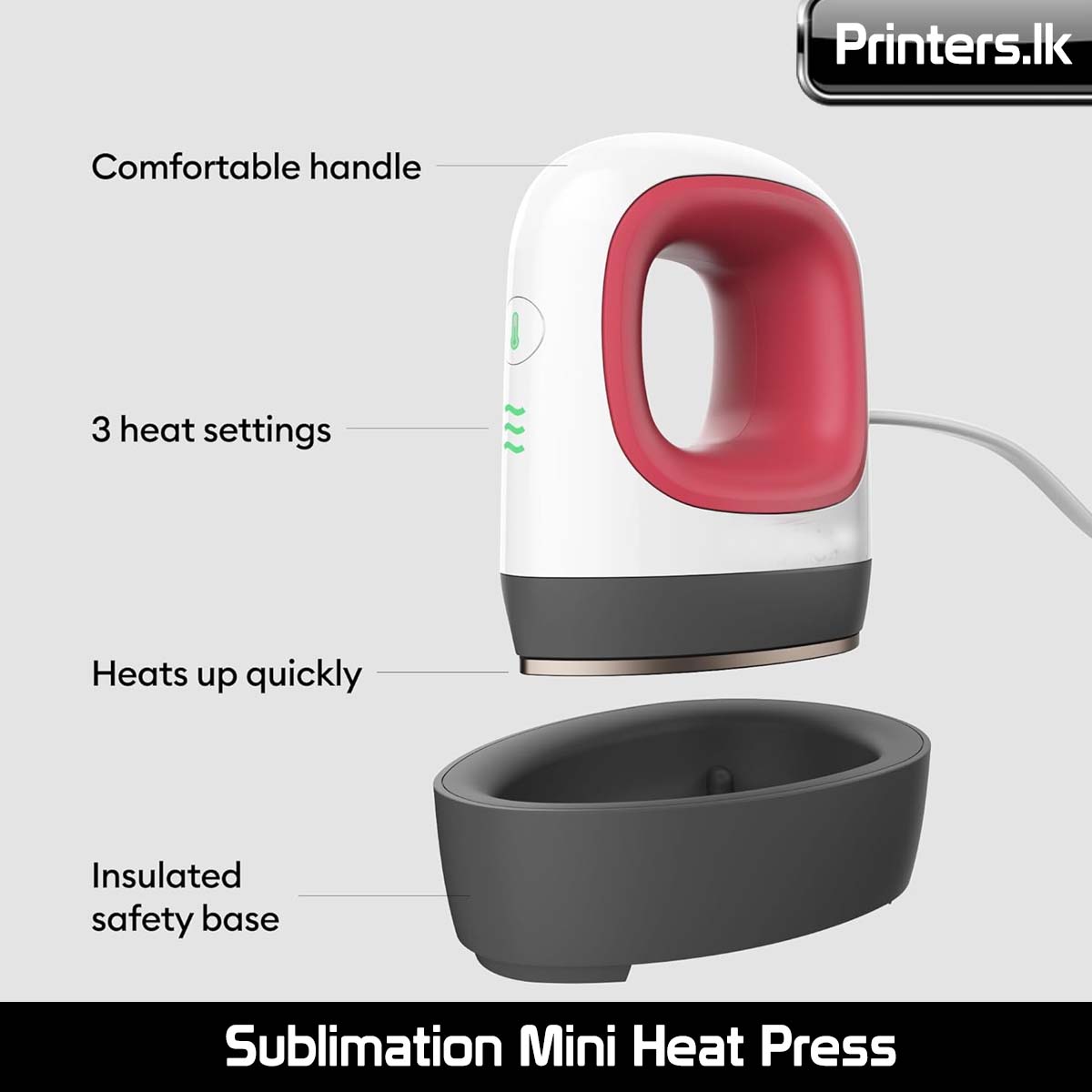
Sublimation Mini Heat Press


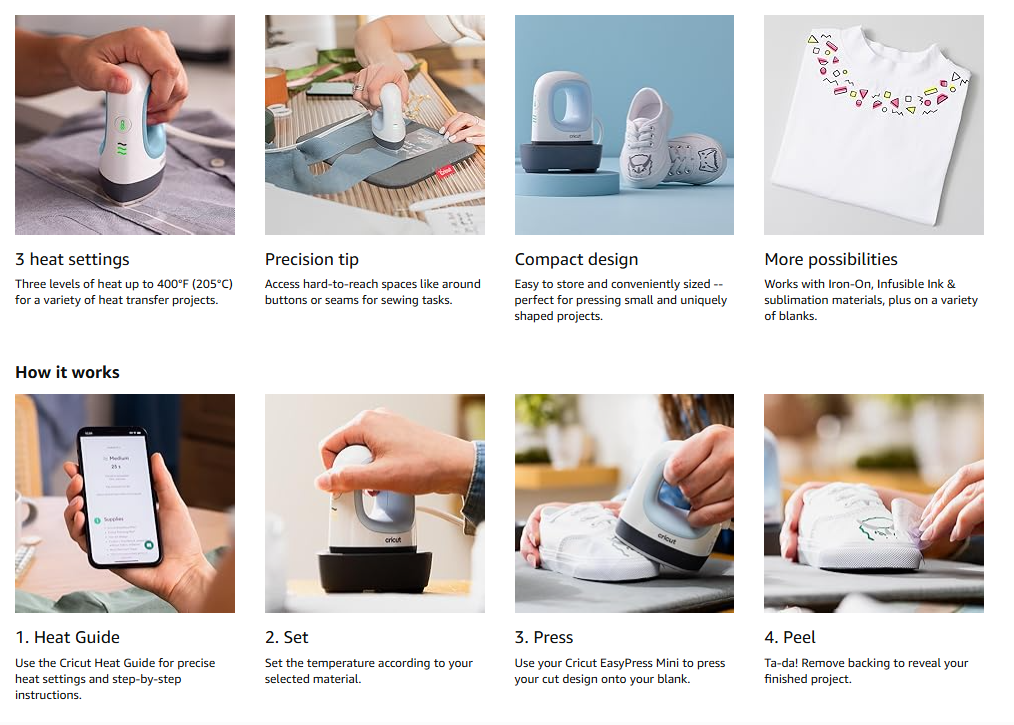
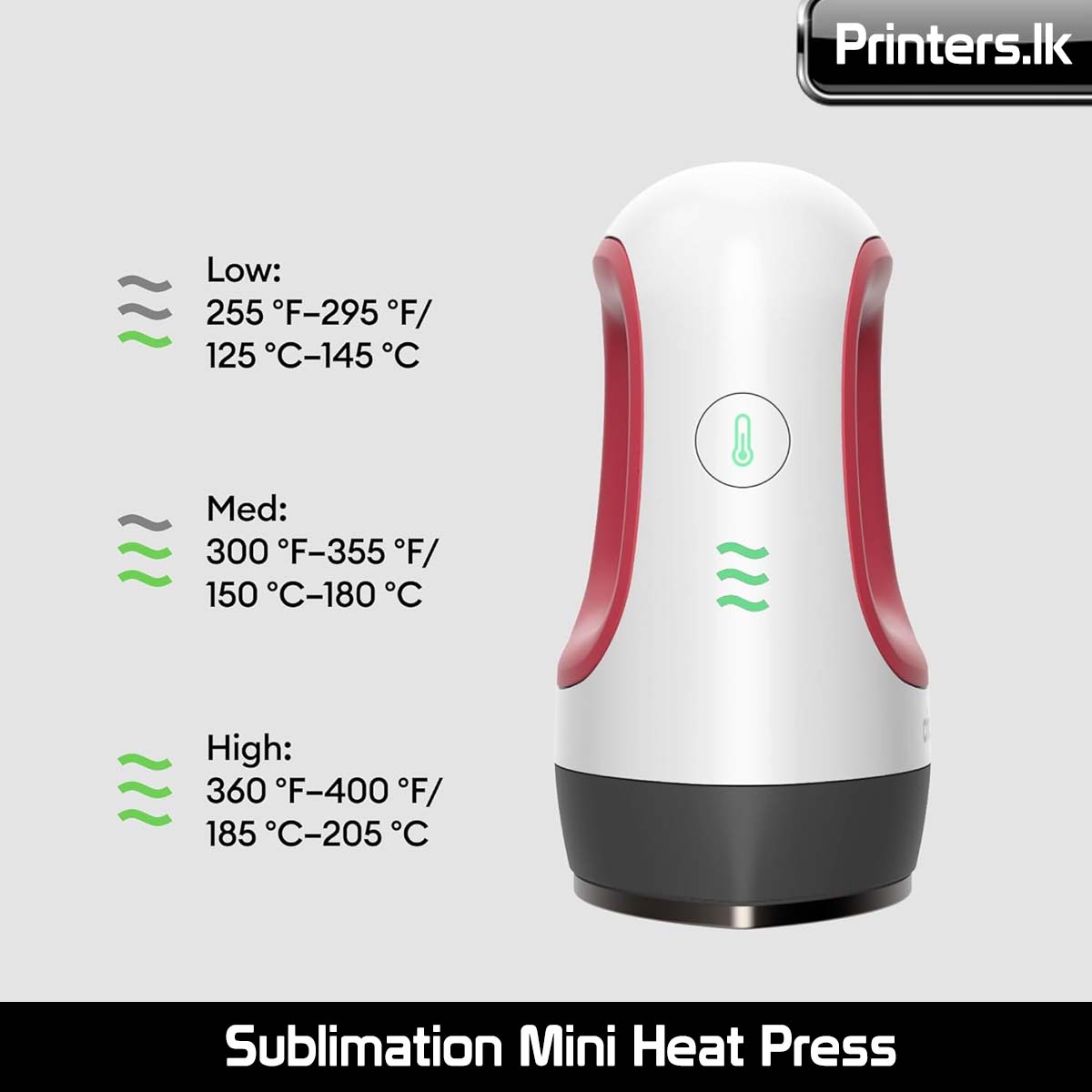
Heat settings
Three levels of heat up to 400°F (205°C) for a variety of heat transfer projects.
Precision tip
Access hard-to-reach spaces like around buttons or seams for sewing tasks.
Compact design
Easy to store and conveniently sized — perfect for pressing small and uniquely shaped projects.
More possibilities
Works with Iron-On, Infusible Ink & sublimation materials, plus on a variety of blanks.
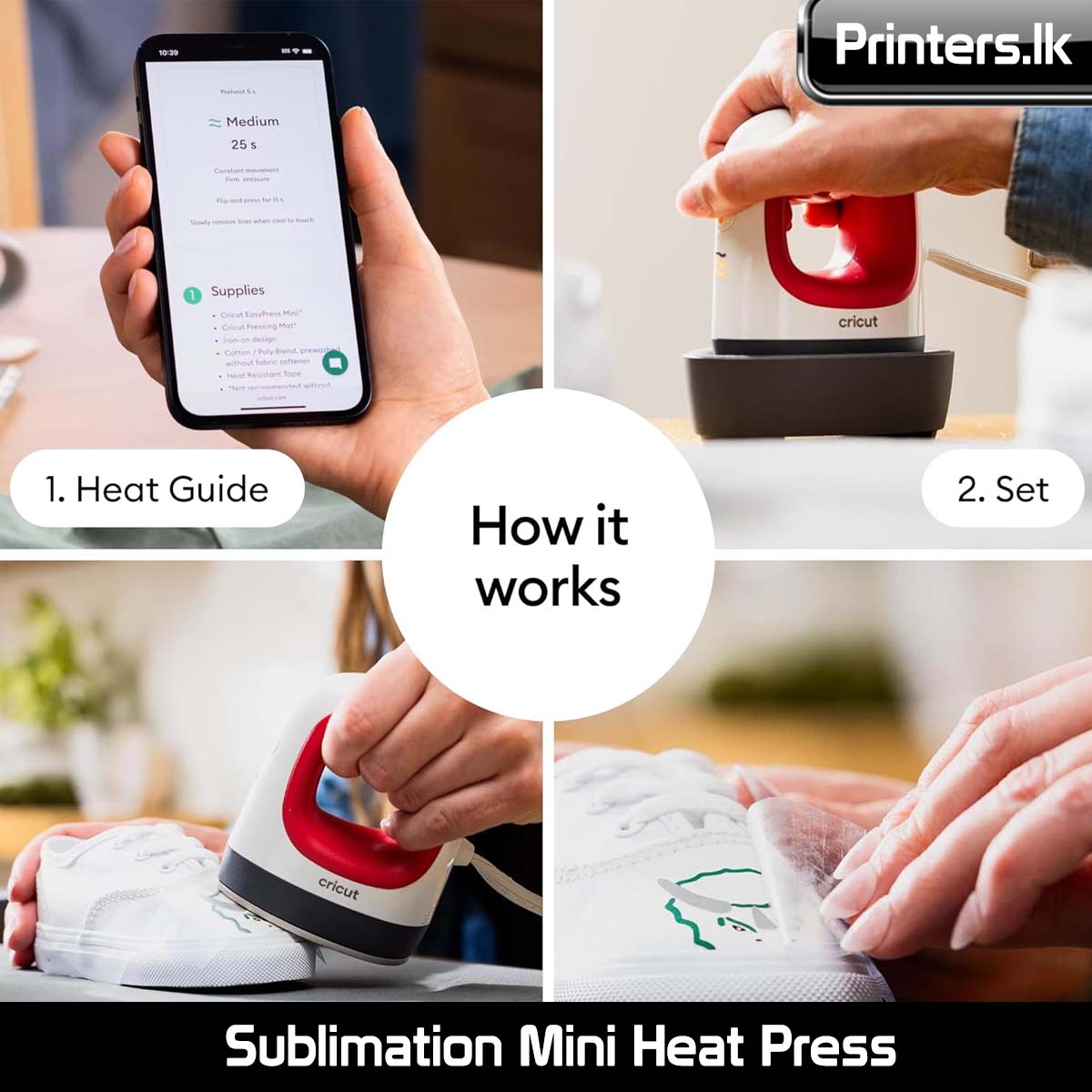
How it works


1. Heat Guide
Use the Cricut Heat Guide for precise heat settings and step-by-step instructions.
2. Set
Set the temperature according to your selected material.
3. Press
Use your Cricut EasyPress Mini to press your cut design onto your blank.
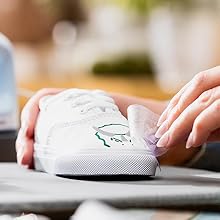
4. Peel
Ta-da! Remove backing to reveal your finished project.


Reviews
There are no reviews yet.